Opportunity Subscriptions

Your Daily Digest: Subscribe to Opportunity Updates
Once you’ve created your Grants.gov account , you can receive a nightly email update of opportunities that have been posted or modified.
Depending on how you use Grants.gov, you can customize your opportunity update email to include one or more of the following options:

Subscribe to All New Opportunities
Choose this option if you want your Opportunity Update email to include opportunities that have been recently forecasted or posted.

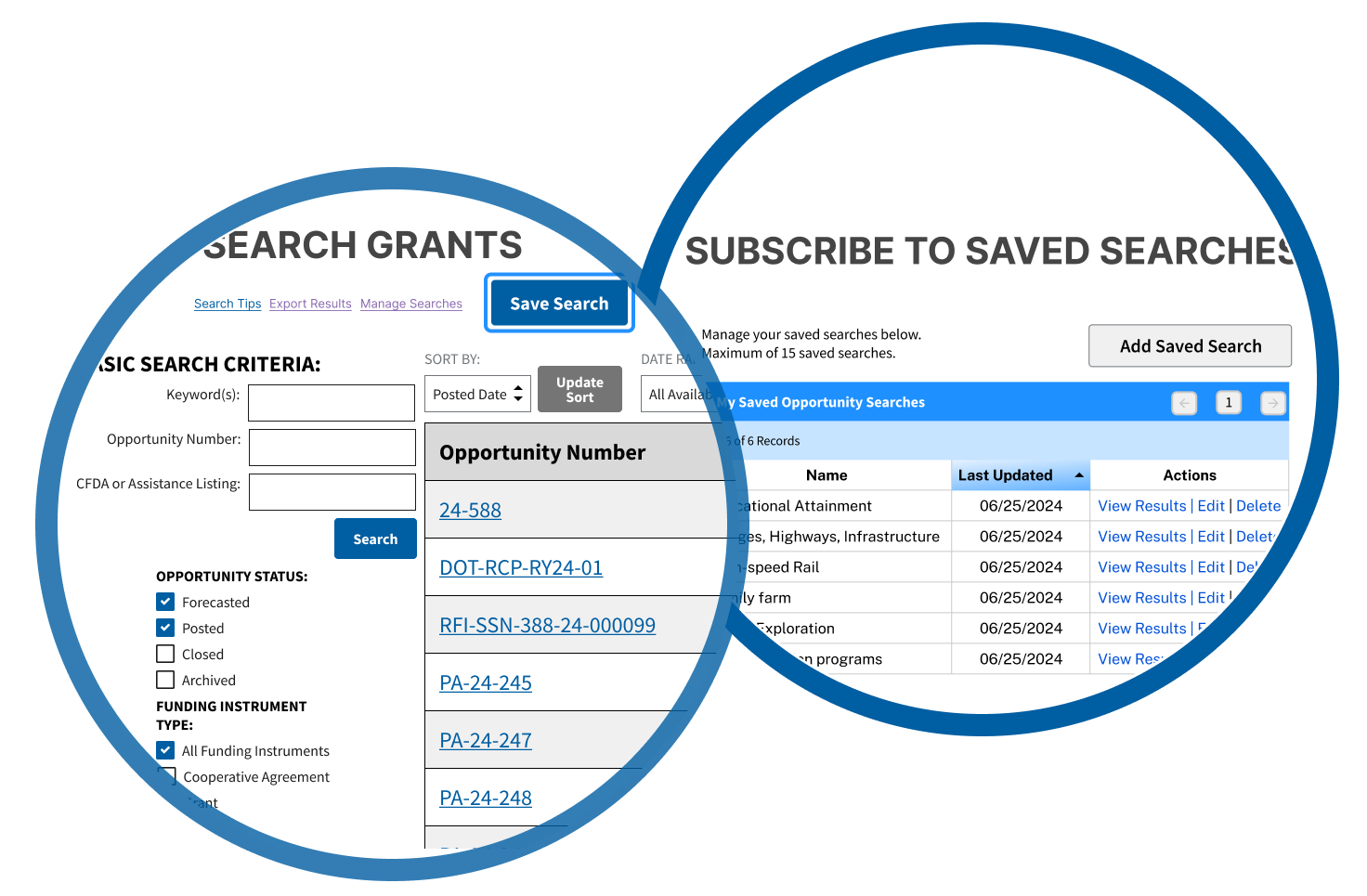
Subscribe to Saved Searches
Choose this option if you want your Opportunity Updates email to include opportunities that fit specific criteria.
You can add a Saved Search from the Search Grants page.
Note: This option does not notify you if changes have been made to an opportunity package, such as modified application forms.

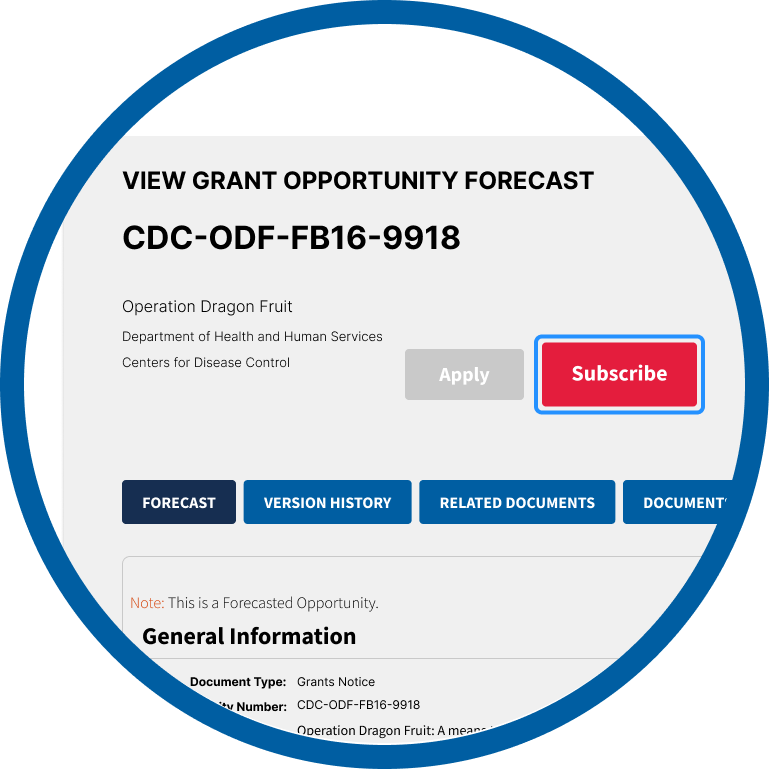
Subscribe to Selected Opportunities
Choose this option if you want to know when a specific opportunity has been updated, including when packages have been added, modified or deleted. You can subscribe to individual grant opportunity updates from any View Grant Opportunity page.
How do I unsubscribe from Grants.gov emails?
To unsubscribe from Grants.gov Newsletter or System Alerts, simply click on the unsubscribe link at the bottom of the most-recently received alert or newsletter in your email inbox.
Learn how to unsubscribe or adjust opportunity updates in these help articles: